Found the high-interaction areas, which showed where navigation was inefficient.
1 / 3← Work / 02
Rebuilding the ORCA Business Passport zone cost estimatorDesigned like a transit agency's case file: sections are stops on one route line, research is filed as stamped reports, and Metro's signage sets the colour and type.
UX designUX researchAccessibilityCivic tech
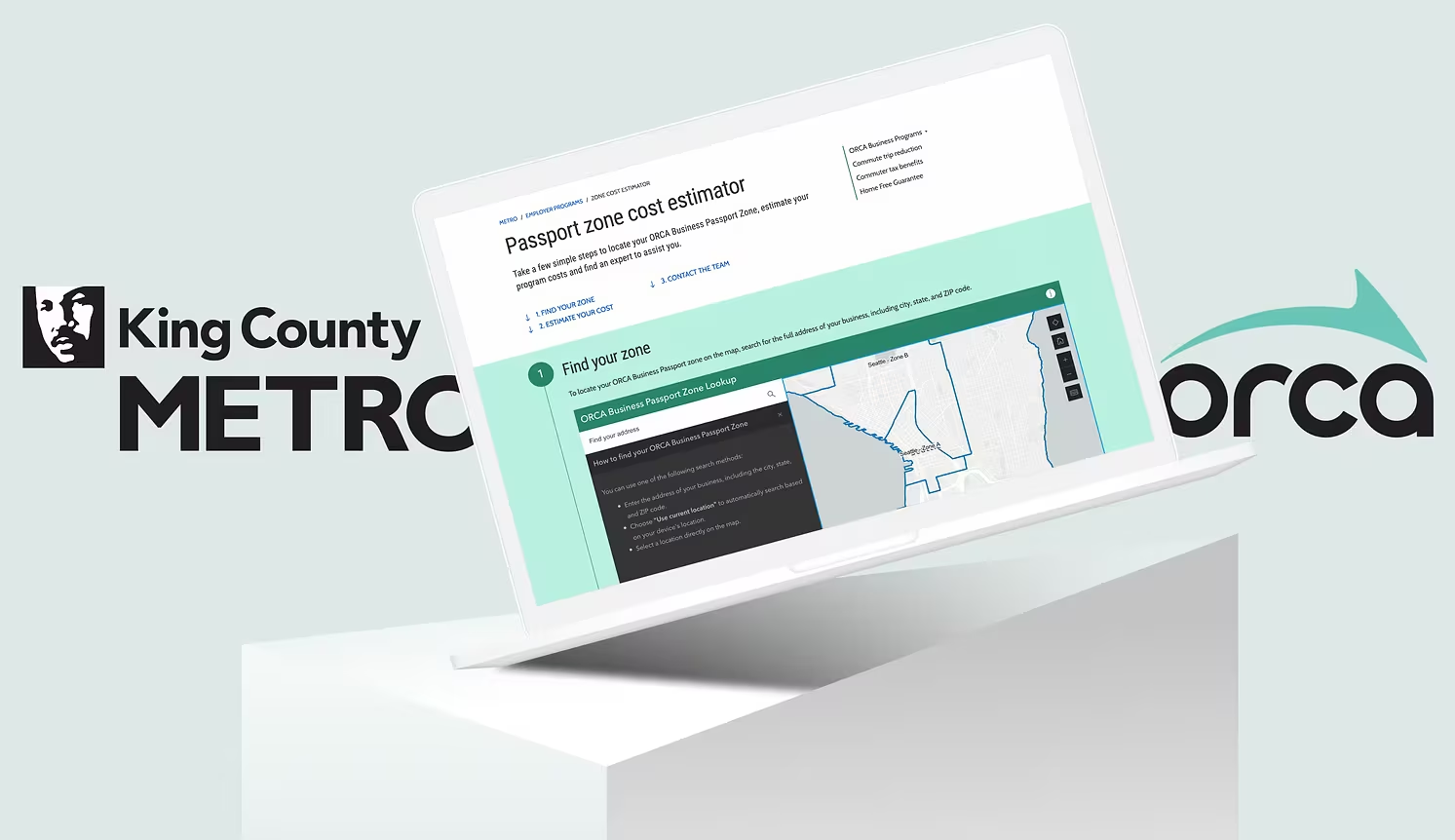 Visit King County Metro↗
- Timeline
- Jul 2023 – Aug 2024
- Role
- UX design & research
Overview
At King County Metro, I rebuilt the zone cost website for businesses that use ORCA cards for employee transit benefits. ORCA is the smart card riders use to pay transit fares across the Puget Sound region.
The goal was to streamline onboarding for new business accounts and make cost and account management clearer and more accessible.
What I did
- 01User research Interviews and surveys with local companies on what business account managers struggle with.
- 02Rebuilt key pages With the development team: easier to navigate and in line with Metro's brand guidelines.
- 03Redesigned zone-based fares So the complex fare structure is easier to understand.
- 04Tested with real users Gathered feedback and iterated on the prototypes.
- 05Built in accessibility Navigability, a clear text hierarchy and readable colour contrast.
Problem
King County MetroORCA Business Passport
FromProblem
Hard to use; zone costs were unclear.
ToGoal
An accessible estimator built for businesses.
How can businesses work out their transit zone costs quickly and accurately?
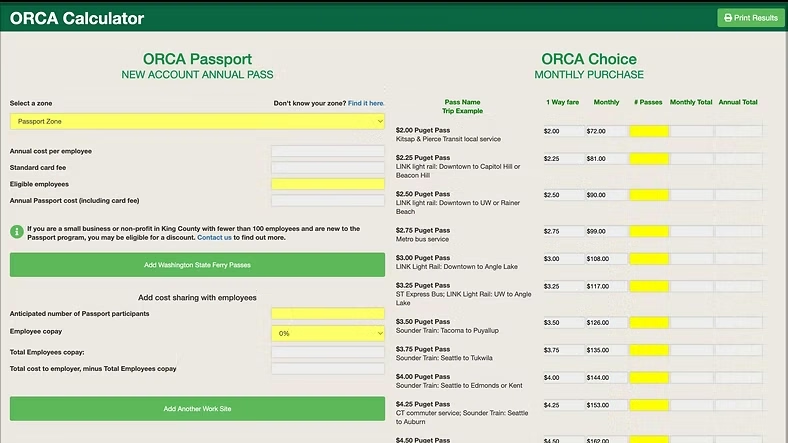
Where we started: the old ORCA calculator, a dense table that asked businesses to work out zones and prices themselves.
Research
I started by mapping who uses the estimator and what each side of the team needed from the rebuild.
Research · File 03.1
King County MetroWho uses it
Business Program
AUser groups
| No. | Group | Description | Priority |
|---|---|---|---|
| A1 | Business owners | Small companies setting up transit benefits for their staff. | Primary |
| A2 | Account managers | Administrators managing transit passes at larger organisations. | Primary |
| A3 | Metro staff | The team that supports business accounts. | Secondary |
BFindings
| No. | What they need | No. | What got in the way |
|---|---|---|---|
| B1 | Calculate transit zone costs | B4 | The layout was overwhelming |
| B2 | Manage accounts on the go | B5 | Inconsistent wording caused confusion |
| B3 | Find relevant transit info | B6 | Redundant steps frustrated users |
Research · File 03.2
King County MetroWhat the team needed
Business Program
Business teamFast, consistent, mobile
- Can we launch as soon as possible?
- It has to work well on phones.
- Keep it consistent with the other Metro pages.
- Let people look up their zone or area.
- And add a section with program info.
Software teamSimple, one page
- Keep it simple.
- Fewer confusing visuals, please.
- Users should stay on the same page.
Research · File 03.3
King County MetroHow I researched
Business Program
10 participants. Pain points: unclear dropdown menus and inconsistent labels.
2 / 370% of users struggled to finish their task in the system in under 10 minutes.
3 / 3Research · File 03.4
King County MetroHeuristic evaluation
Business Program
I reviewed the old site against Nielsen's usability heuristics and rated each issue by severity (0–4).
- Error prevention4/4
Navigation paths were inconsistent, and key features took several clicks to reach.
- Visibility of system status3/4
Users found the interface cluttered and confusing.
- Recognition rather than recall3/4
Without a visual hierarchy, primary actions were hard to tell apart from secondary ones.
- Aesthetic and minimalist design2/4
Poor mobile accessibility frustrated people using it on the go.
Constraints
The redesign had to work inside real limits, so a lot of the job was choosing what was feasible.
Technical limits
The existing architecture and a small engineering team made some modern features hard to build.
Budget
A strict budget meant improving the existing infrastructure instead of replacing it.
Platform complexity
The old platform's fragmented structure made both the user experience and backend management harder.
Team capacity
I balanced user needs with what engineering could ship, and worked closely with engineers to get the most out of it.
Design
The new estimator walks a business through three steps: find your zone, estimate your total cost, and contact the Passport team.
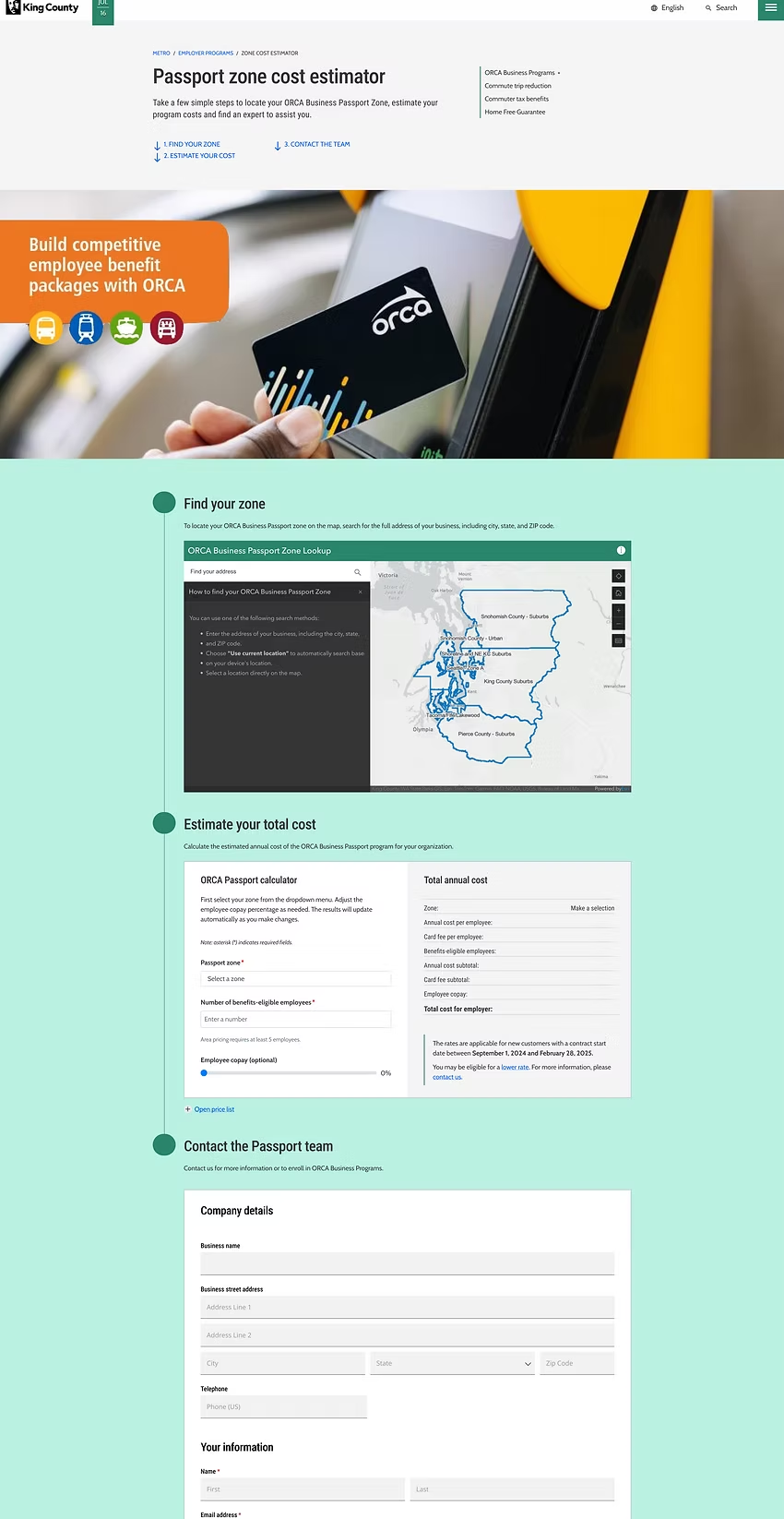
The full new page. Scroll inside the frame to follow the three steps.
- 01Key services first. A simpler interface gets people to the information they need without extra steps.
- 02Better search. A more intuitive address search finds a business's zone quickly.
- 03Clearer navigation. Fare information and customer service are easier to find.
The rebuild also improved the overall user flow, made future updates possible without a major overhaul, and added real-time transit data the old platform didn't have.
Before & after
Before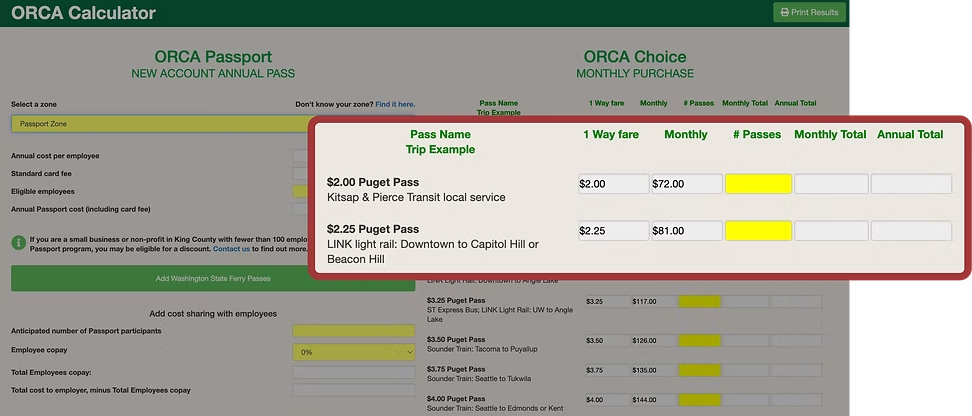
After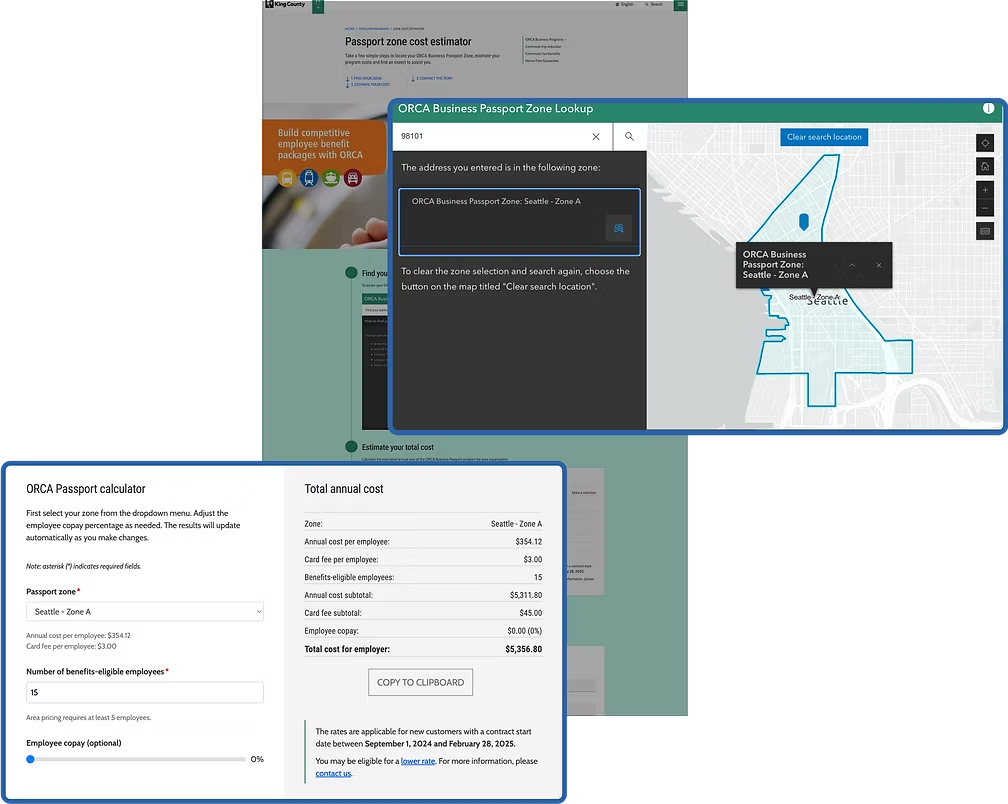
Heat map
I compared click heat maps of the old and new pages. Drag the handle to compare.
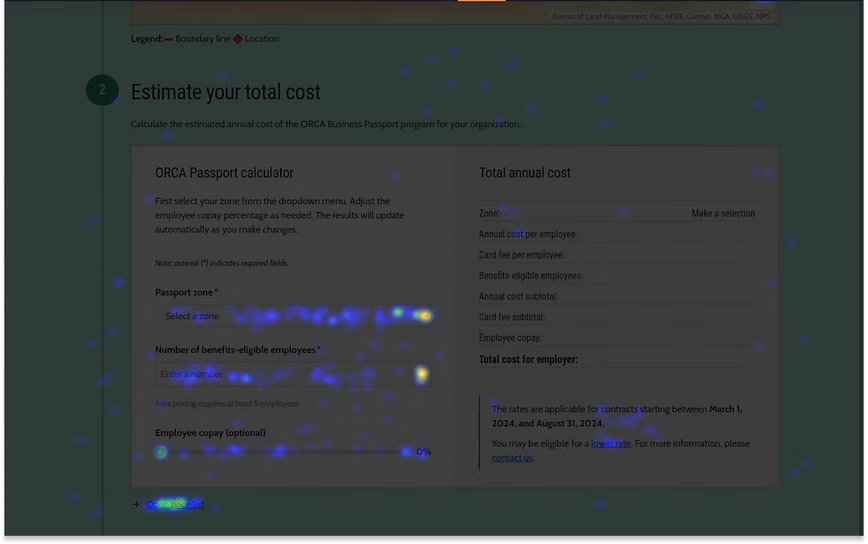
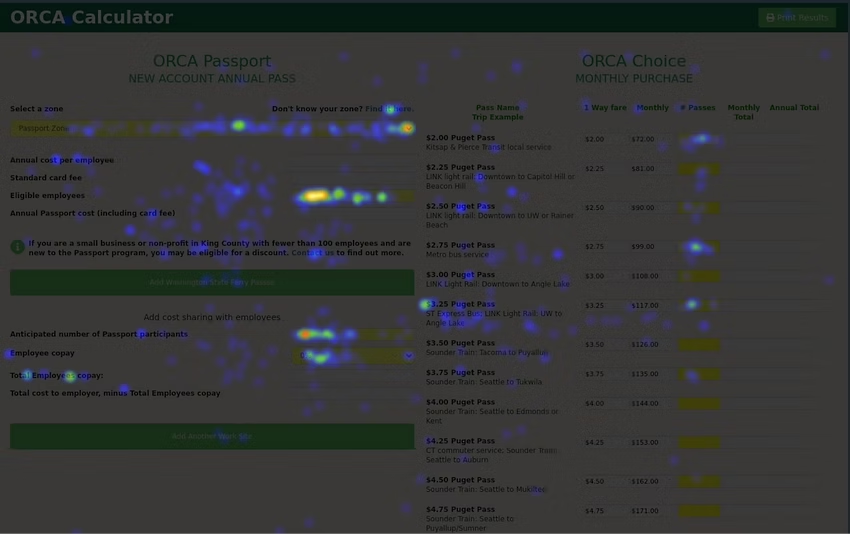 Old websiteNew website↔
| Old | New | Change | |
|---|---|---|---|
| Rage clicks | 270 | 94 | −65% |
| Dead clicks | 348 | 73 | −79% |
Rage click: rapid clicks on one element, a sign of frustration. Dead click: a click that does nothing.
Impact & reflection
The redesigned platform improved usability and accessibility, helping business users manage their ORCA program and employee transit benefits. Feedback showed a 32% boost in user engagement, less confusion about the fare structure, and account management that felt more intuitive.
The project let me dig into the needs of very different business users, from small companies to large corporations. Seeing iterative design make a real difference in usability testing was the most rewarding part.
Working closely with developers and stakeholders, I learned to balance business goals with user needs while keeping accessibility a priority. It strengthened my research and design thinking, and my interest in building user-friendly tools for the public sector.
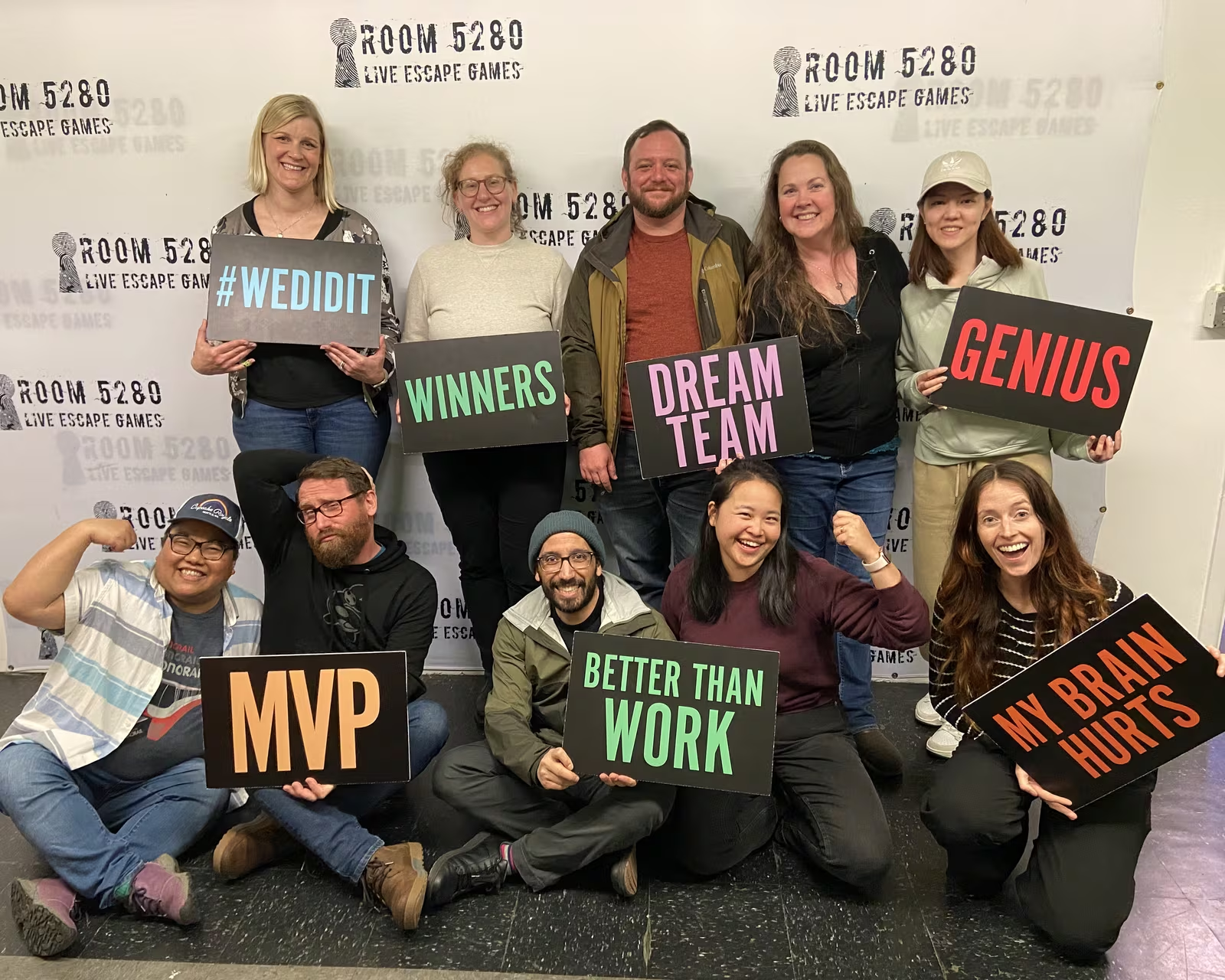
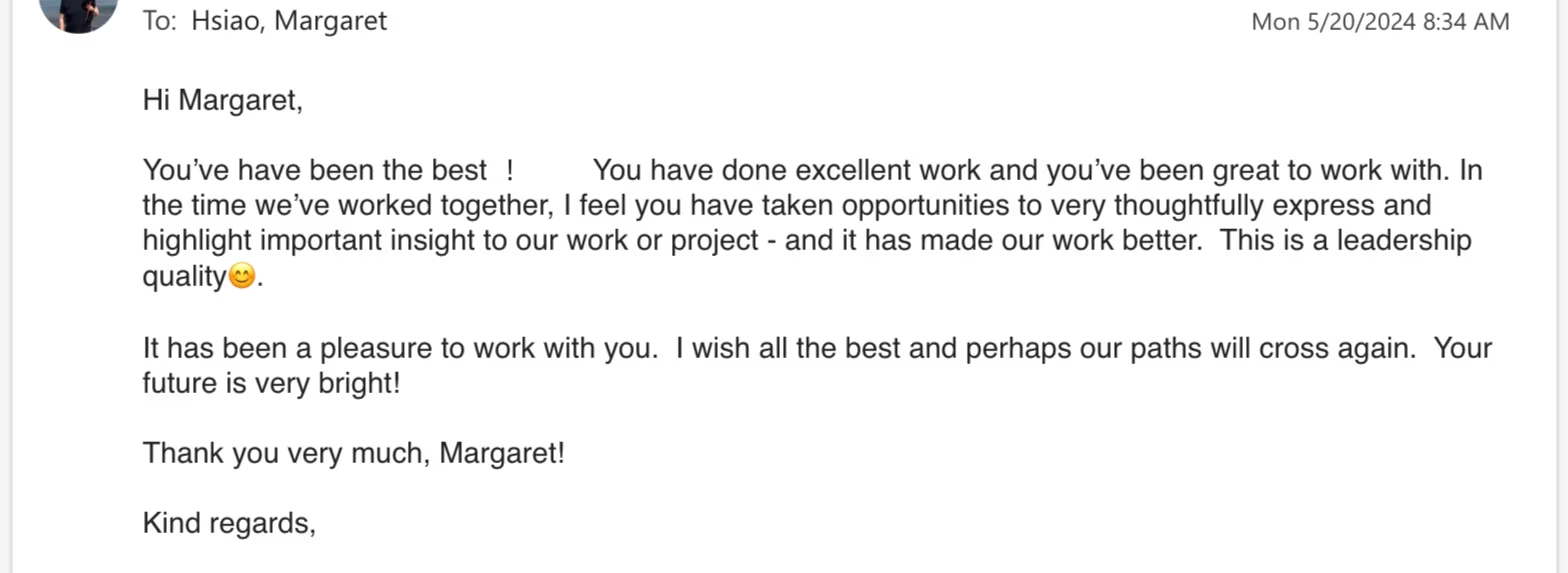
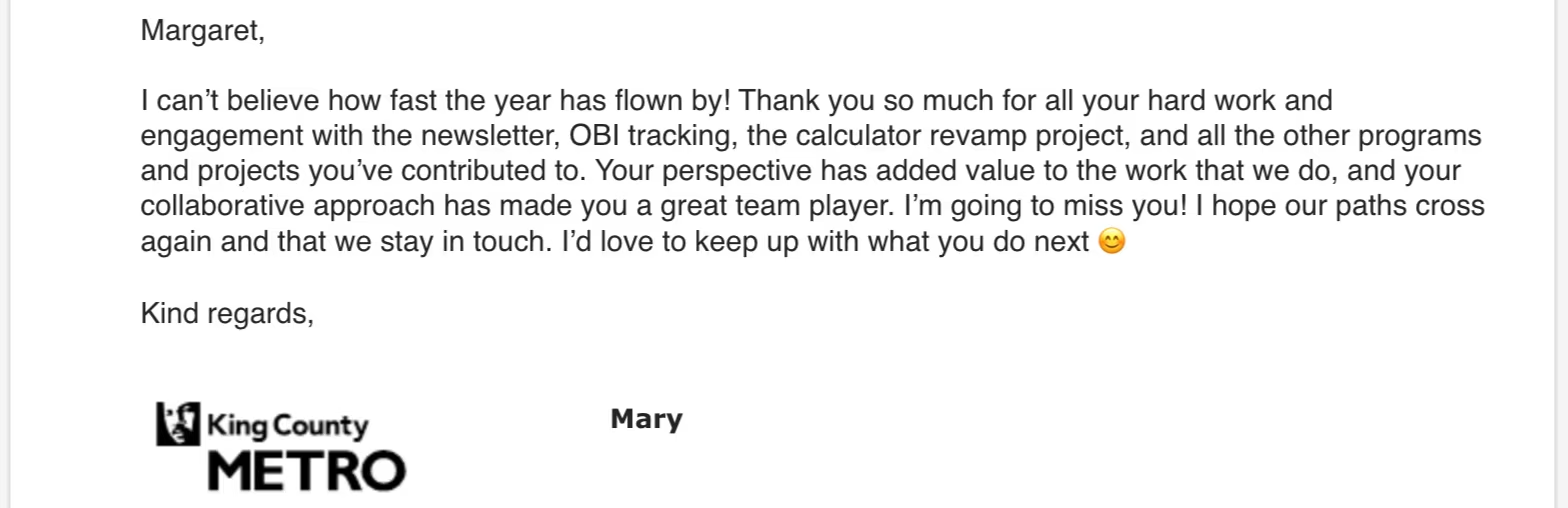
The team, and a few notes they sent when my time at Metro ended.
Next stop · 03 Jia
Heritage learning
Bilingual storybooks and an activity calendar for Chinese-heritage families.