Exploring interactive systems with Arduino and coding.
My journey in physical computing was rooted in hands-on, project-based learning. I focused on how hardware and software intersect to solve real-world problems, exploring the tangible side of human-centred design. Working closely with microcontrollers and fabrication tools, I learned to see technical components not just as electronics, but as interactive systems built to serve a purpose.
A studio of possibilities
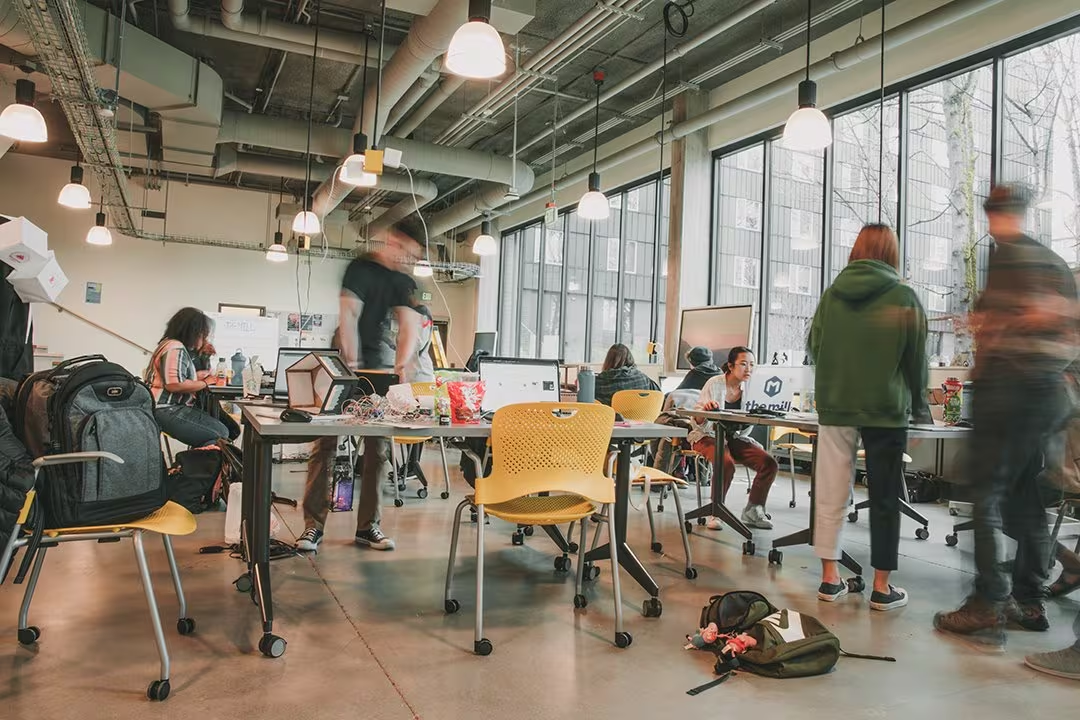
By diving into sensor integration, circuit design and interactive coding, I developed the essential building blocks needed to turn raw data into practical tools. The learning curve required constant experimentation, but a collaborative environment let me iterate rapidly, troubleshoot code and refine complex prototypes from the ground up.
Ultimately, this experience taught me how to harness technology as an accessible tool for everyday life. From interactive toys that improve animal welfare to soil moisture sensors that promote resource conservation, I love using technical problem-solving to protect our local environments and communities.
Project 1: the MoistureTiller
The first project, MoistureTiller, was a deeper exploration of environmental sensing and resource conservation. It centred on an interactive tool designed to promote conscious eco-stewardship by monitoring soil health and preventing water waste through precise data feedback. The challenge was to integrate sensors with intuitive audio outputs, so that sustainable environmental care would be accessible to everyone.
I was fascinated by the technical side of this project, particularly the integration of sensors and sound. Not only did I gain valuable experience with hardware like moisture sensors, I also discovered how creative you can be with even simple components. The MoistureTiller gave me a fresh perspective on how interactive systems can deepen our connection with the environment.
Project 2: the self-watering plant system
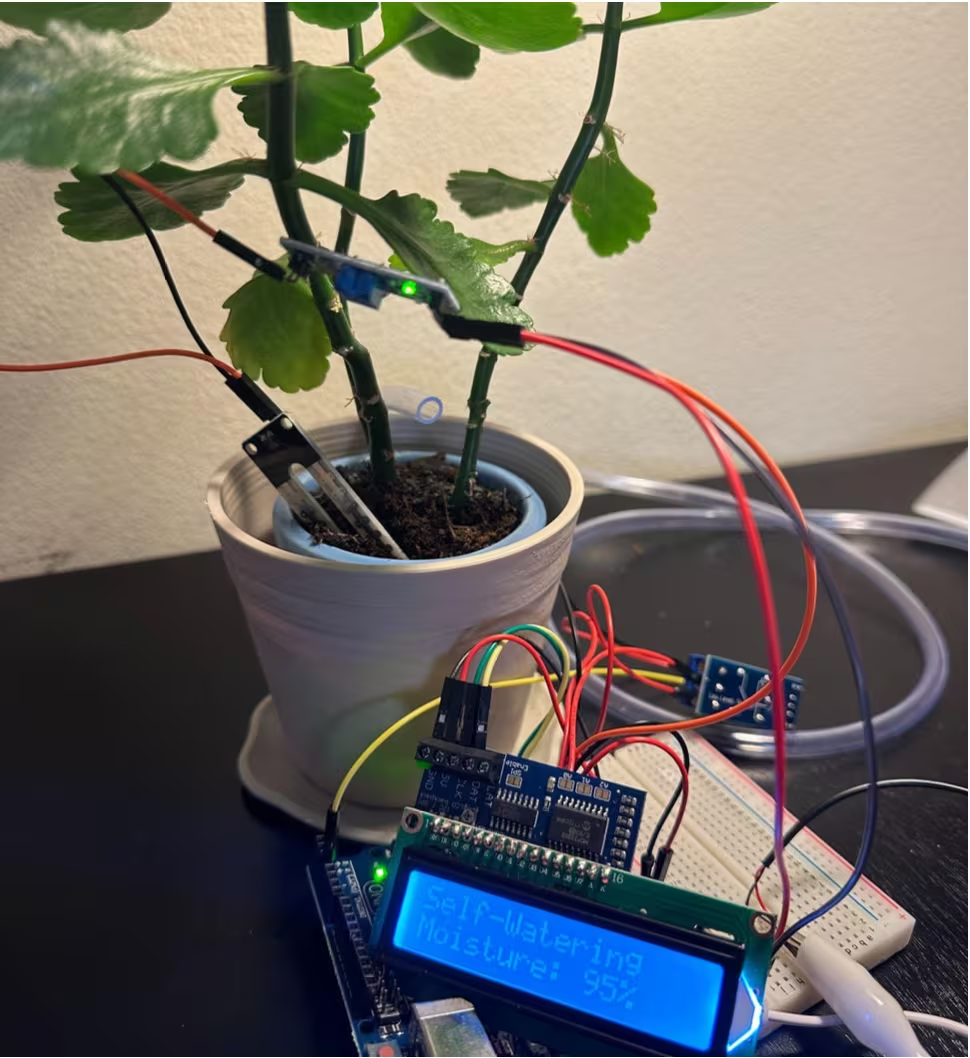
This project came out of a desire to make plant care more sustainable, specifically by optimising water usage and preventing waste through precision conservation. The system uses a soil moisture sensor, much like the MoistureTiller, but adds an automatic watering mechanism that activates when the soil becomes too dry.
One of the most interesting parts was working out the timing and thresholds for the watering system, so it would deliver just the right amount of water without over-saturating the soil. The project reinforced my understanding of automation and control systems, and it was satisfying to see technology applied to something as simple and essential as plant care.
Bonus project: the interactive dog ball
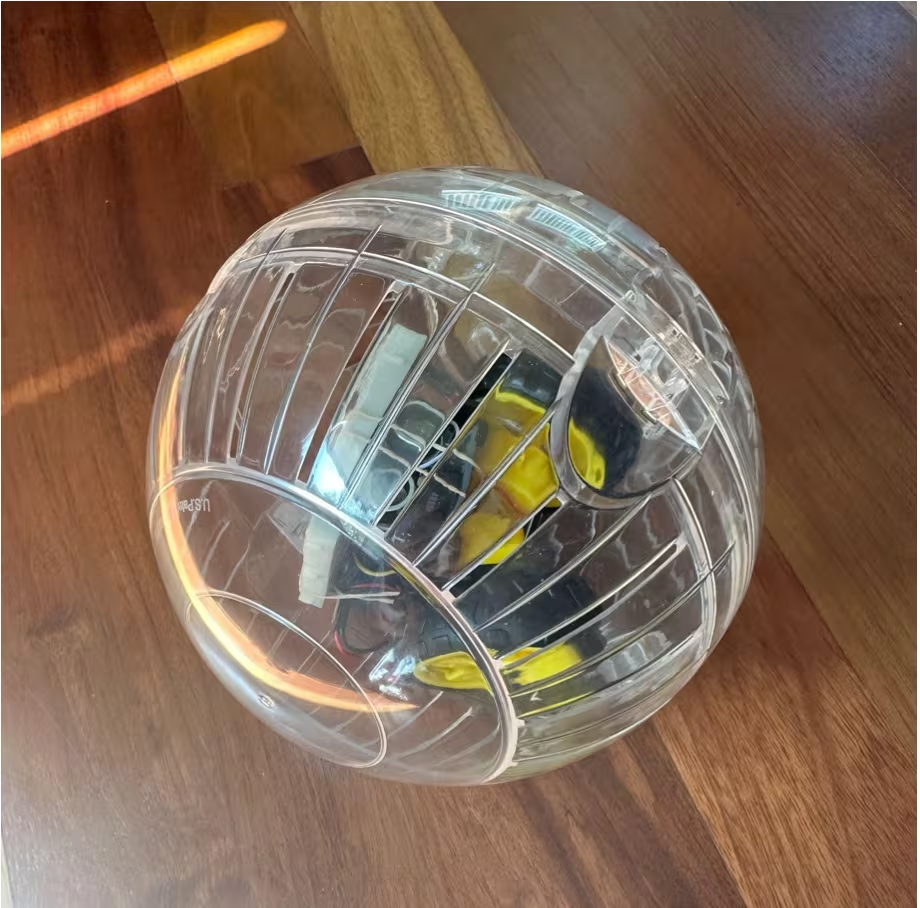
Being a dog owner, I wanted to design a product that would give my pet enrichment and engagement. The interactive dog ball was the result. Using a 3D printer, I made a ball that emits sounds and lights up when it is played with. Fitting motion sensors, lights and sound components into a small, friendly object was exciting and deeply rewarding.
I learned that the success of interactive products often hinges on their usability — not just for humans, but for their intended users, which in this case was my dog. Observing his reactions and refining the design around his behaviour taught me the importance of iterative prototyping and user testing.
Lessons in prototyping and problem-solving
One of the key lessons I learned was the importance of iteration. Rarely did a project work perfectly on the first try. Whether it was a sensor malfunction or a design flaw in a 3D model, each obstacle became an opportunity to learn and refine. I came to appreciate the design process not just as a means to an end, but as a continuous cycle of feedback, testing and improvement.
Working with hardware also taught me a lot about physical constraints. Unlike purely digital interfaces, physical computing requires careful consideration of materials, dimensions and durability. That extra layer of complexity made the successes even more satisfying.